
Check hidden-camera clues in an unfamiliar room.
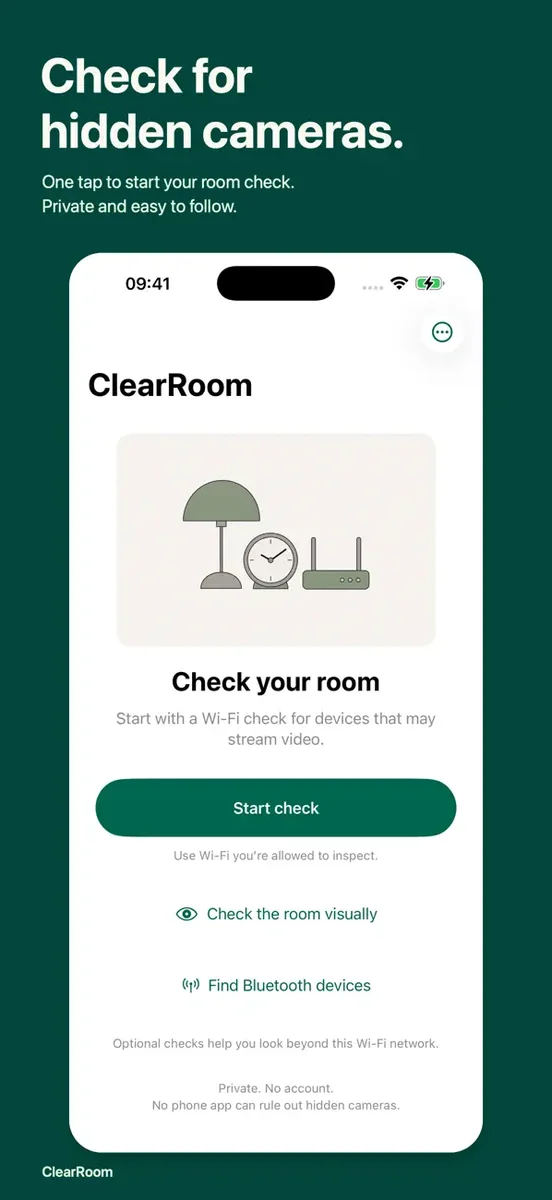
ClearRoom helps you work through hidden-camera clues in a hotel room or vacation rental. Review local Wi-Fi and nearby Bluetooth announcements, then follow illustrated visual checks on your iPhone.
Available on the App Store
What you can do with ClearRoom
- Start with local network clues
- Check devices and advertised services on the connected Wi-Fi. See explanations and next steps rather than an unverified camera verdict. Incomplete checks are shown as incomplete.
- Review nearby Bluetooth announcements
- See device-supplied names and changes in signal strength. ClearRoom does not pair with those devices or access their content; signal strength is not a distance or direction measurement.
- Look around the room
- Illustrated instructions explain where to inspect and how to compare lens reflections. The lens viewer provides focus, zoom and a flashlight for a closer look.
- Try an optional infrared check
- Test the selected camera with a TV remote, record a short silent sweep, then pause and enlarge frames. Camera sensitivity varies and a point of light does not identify a camera.
From first step to finished task
The app is free, with no subscription, in-app purchases, ads, account or analytics. Camera and sensor tools need a physical iPhone. Magnetic changes cannot identify a camera.
- Open ClearRoom and start the Wi-Fi check on the network you are connected to.
- Review the explanations, then use the illustrated visual inspection around the room.
- Use individual tools for a closer look and interpret every result within its stated limits.
Questions before you start
Can an iPhone app guarantee there are no hidden cameras?
No. ClearRoom is an inspection aid. Offline cameras, isolated networks, other networks, unsupported ports and cameras without infrared emitters may be missed.
Is every unfamiliar network device a camera?
No. Names and services are clues, not verified identities. Ordinary network devices are not automatically classified as cameras.
Does ClearRoom upload inspection clips?
Infrared clips stay on the iPhone and are deleted when you leave or background the check unless you explicitly export a copy. No microphone access is requested.